
The Dangers of Phishing: Protecting Yourself from Cyber Threats
Part 1 of our Phishing Protection Series
This article introduces the core concepts of phishing and the essential steps to protect against it.
👉 Continue to Part 2: AI Phishing Protection
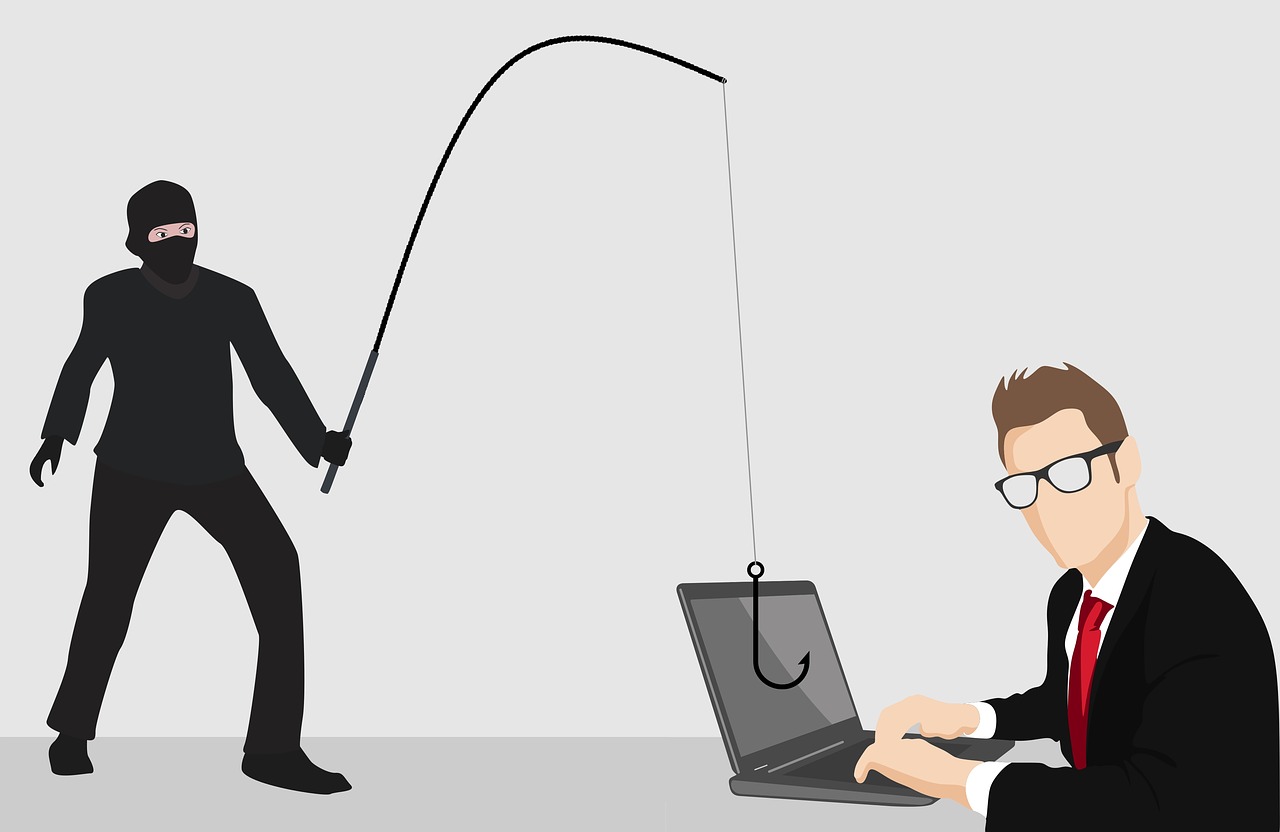
Phishing is a type of cyber-attack that has become increasingly common in recent years. It involves tricking individuals into revealing sensitive information, such as passwords, credit card numbers, or personal data, by disguising itself as a legitimate email or message from a trusted source. In this article, we will discuss how to recognize phishing, protect yourself from phishing attacks, and what to do if you suspect or respond to a phishing email.
How to Recognize Phishing
Phishing attacks often appear to come from a trusted source, such as a healthcare provider, bank, online retailer, or social media platform. However, there are several red flags to look out for:
- Urgency: Phishing emails often create a sense of urgency, claiming that your account will be closed or compromised if you don’t take action immediately.
- Poor grammar and spelling: Legitimate companies typically have professional email templates and grammar. Phishing emails often contain typos and grammatical errors.
- Suspicious links and attachments: Phishing emails may contain links or attachments that seem suspicious or out of place.
- Request for sensitive information: Legitimate companies will never ask you to reveal sensitive information, such as passwords or credit card numbers, via email.
How to Protect Yourself from Phishing Attacks
- Use strong passwords: Use unique, complex passwords for each account and consider using a password manager to keep track of them.
- Enable two-factor authentication: Two-factor authentication adds an extra layer of security by requiring a code sent to your phone or a biometric scan in addition to your password.
- Be cautious with links and attachments: Avoid clicking on links or opening attachments from unknown sources. Always float (hover) over links without clicking them to see the URL. This way, one can ensure that the link points to a safe location before clicking.
- Keep your software up to date: Ensure that your operating system, browser, and other software are up to date with the latest security patches.
What to Do If You Suspect a Phishing Attack
If you suspect a phishing email, do not respond or click on any links. Instead:
- Report the email: Report the email to the company or organization that it appears to be from, and to your email provider. Make a screenshot and send it to the support email, highlighting what raised your suspicion.
- Delete the email: Immediately delete the email from your inbox and avoid opening any attachments or clicking on links.
- Change your password: If you have already responded to the email or clicked on a link, change your password immediately and enable two-factor authentication. Additionally, clean the passwords of all accounts that share similar passwords. If needed, report those to the website’s support as well.
What to Do If You Responded to a Phishing Email
If you have already responded to a phishing email or clicked on a link, take the following steps:
- Change your password: Change your password immediately and enable two-factor authentication.
- Monitor your accounts: Closely monitor your accounts for any suspicious activity and report any issues to the relevant company or organization.
- Seek professional help: If you are unsure about what to do or if you have already compromised your accounts, seek professional help from a cybersecurity expert.
How to Report Phishing
To report phishing, follow these steps:
- Report to the company: Report the phishing email to the company or organization that it appears to be from.
- Report to your email provider: Report the phishing email to your email provider, such as Gmail or Outlook.
- Report to the authorities: Report the phishing email to the relevant authorities, such as the Ministry of Interior’s department against cybercrime in Bulgaria (Киберпрестъпност ГДБОП ), or you may navigate the appropriate EU member state institution on Europol’s “Report a cybercrime page“ (Report Cybercrime online | Europol).
Advanced Techniques to Prevent Phishing
In addition to the best practices outlined above, consider the following advanced techniques to prevent phishing:
- Use an automatic phishing detection: Many email providers offer phishing filters that can detect and block suspicious emails.
- Use a password manager: A password manager can help you generate and store unique, complex passwords for each account.
- Use a virtual private network (VPN): A VPN can help protect your data when using public wireless (Wi-Fi) networks.
- Stay informed: Stay up to date with the latest phishing scams and techniques to stay one step ahead of cyber attackers.